# Status
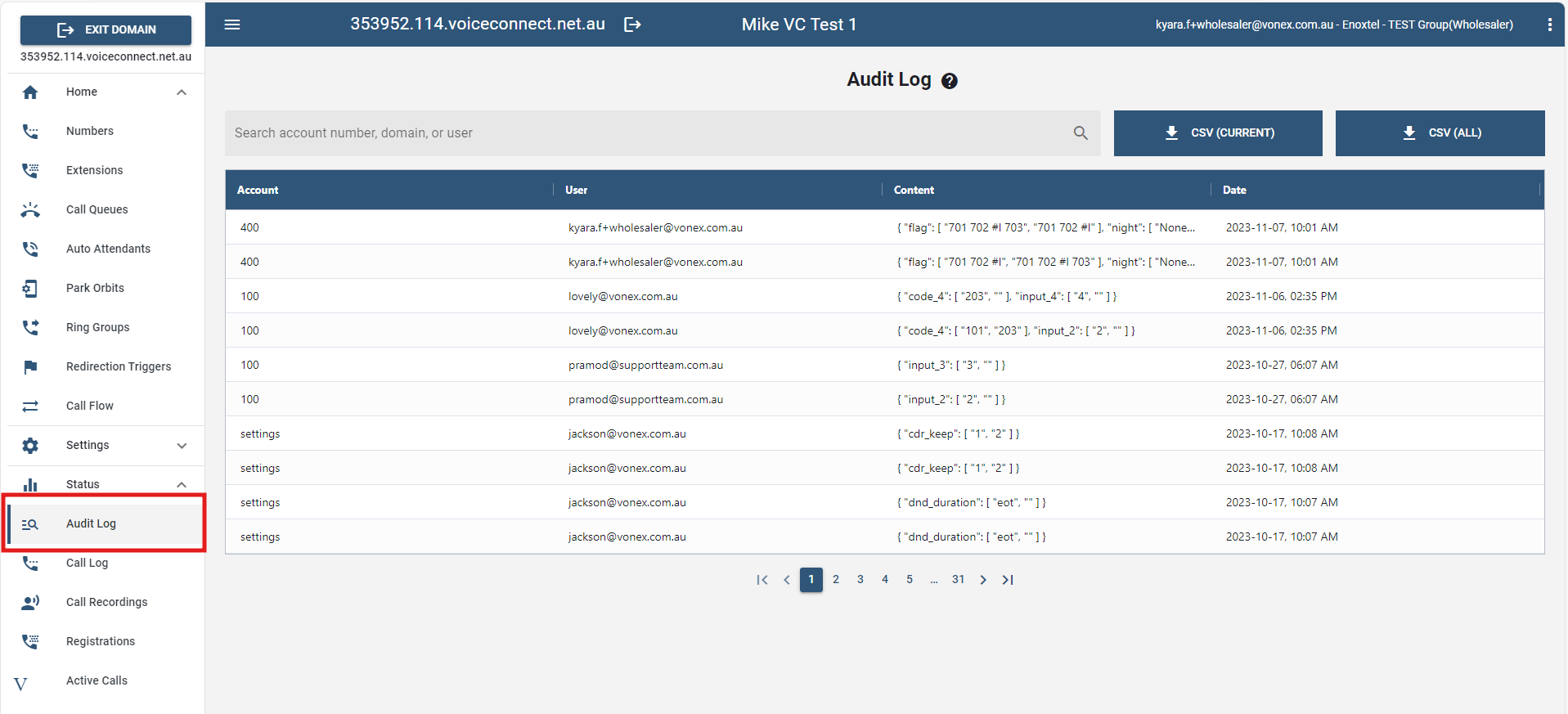
# Audit Log
All account updates are documented on the Audit Log page. This page contains the logs of previous activities/actions related to an account. Check the logs to find out which accounts have been modified in chronological order.
The Account Number, User (the person who updated the information under a given account Number), Content and Date are all listed in the table.
Additionally, by clicking the CSV button above the table, it downloads the data in CSV format from the selected account.
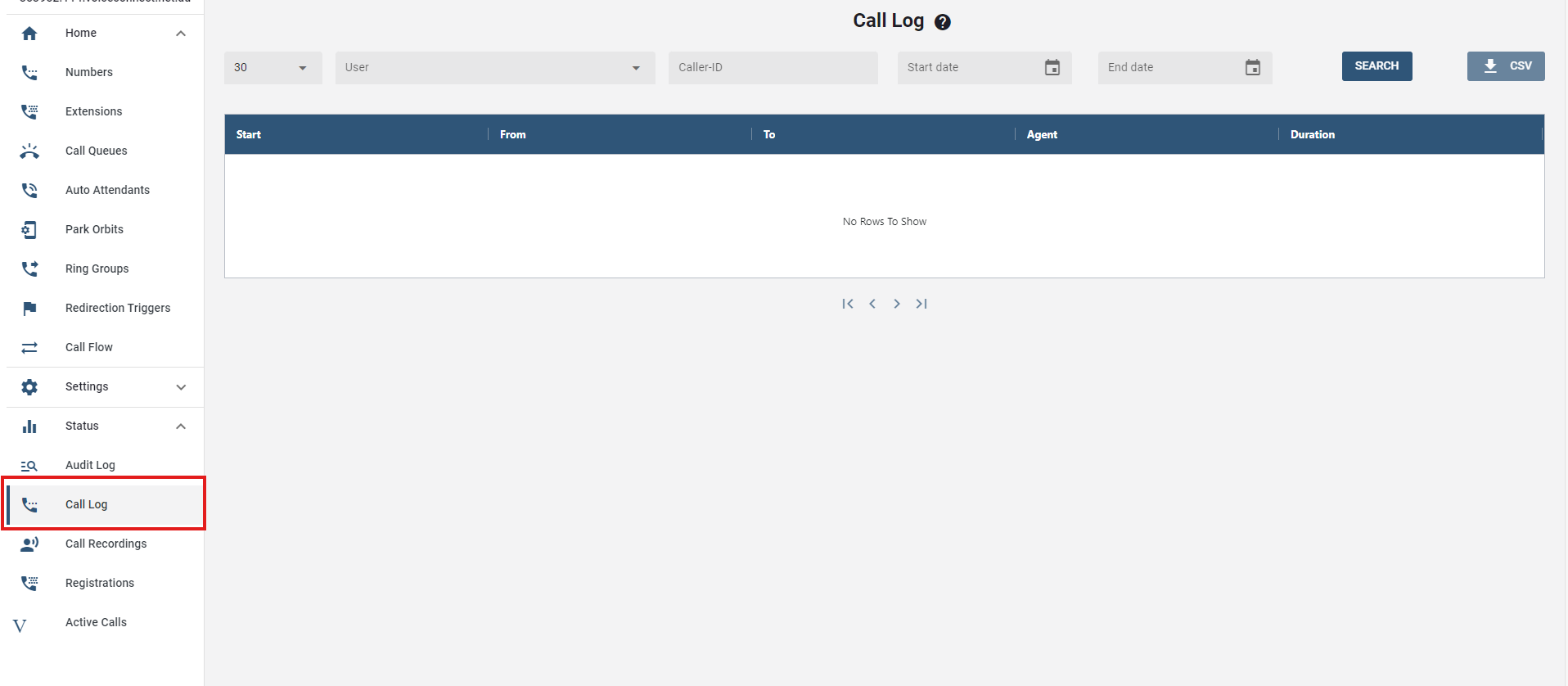
# Call Log
This page shows the list of calls from a specific account.
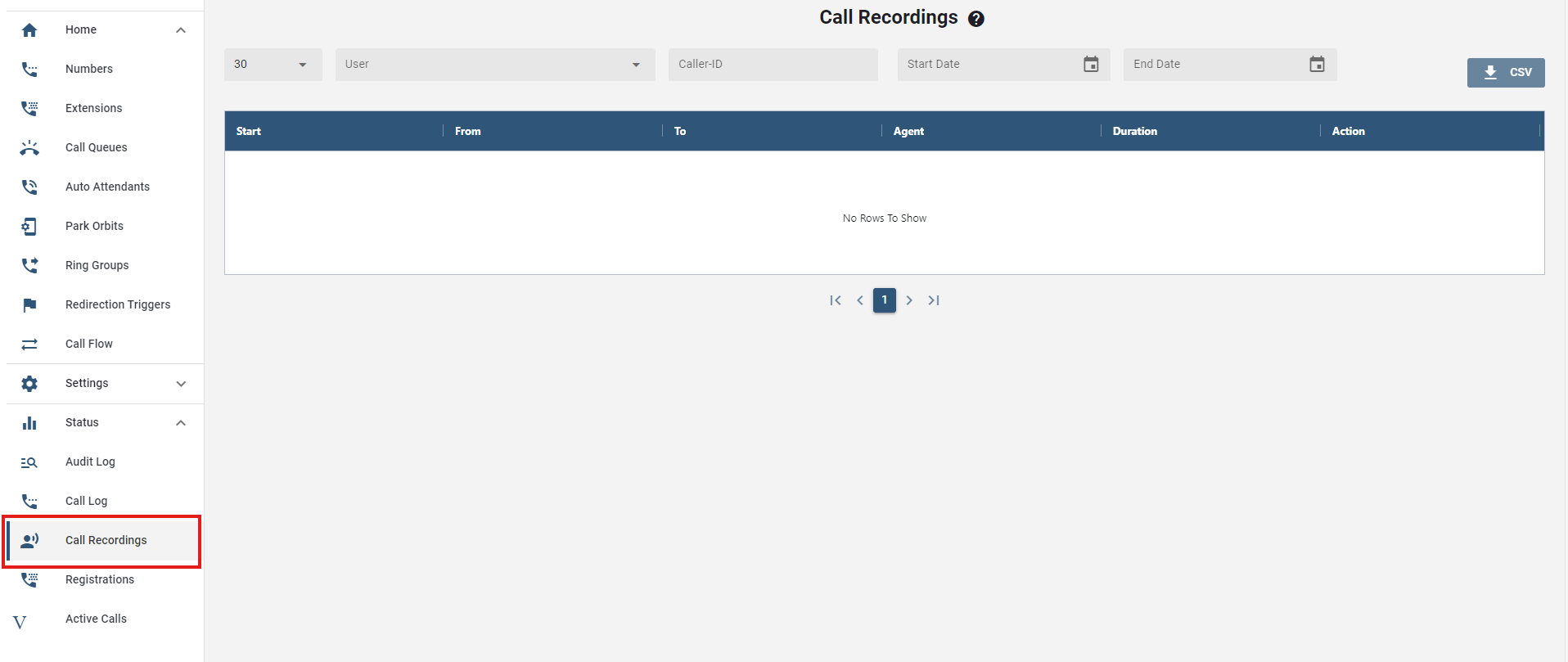
# Call Recordings
Call Record allows users to record a conversation between themselves and another party. This feature is handy when it is critical that a user remember the contents of a particular call. Users should check state and federal laws before recording calls.
On this tab, it provides the lists of recorded calls which are displayed in the table. All the details regarding the call are documented. This includes the duration of the call, the time at which it started and ended, the agent, and the action taken.
# Registrations
The registration page is in a domain and will inform the administrator of all the registered phones on the system. To check the registrations in a domain, navigate to Registrations on the sidebar menu under the current domain.
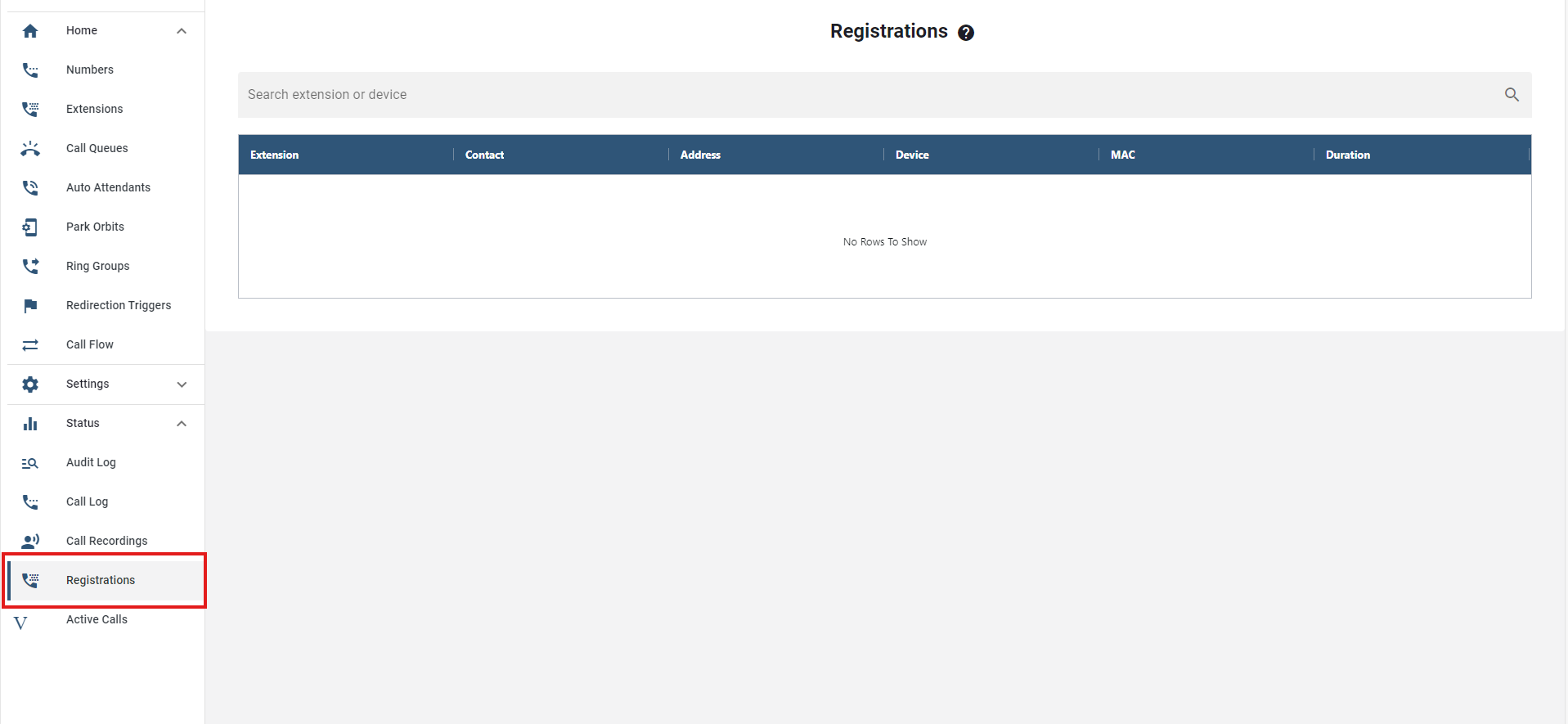
- Extension: Number of the account
- Contact: Local contact IP of the SIP device
- Address: External IP,
- Device: Model phone information
- MAC
- Duration: Status information on how many hours, seconds
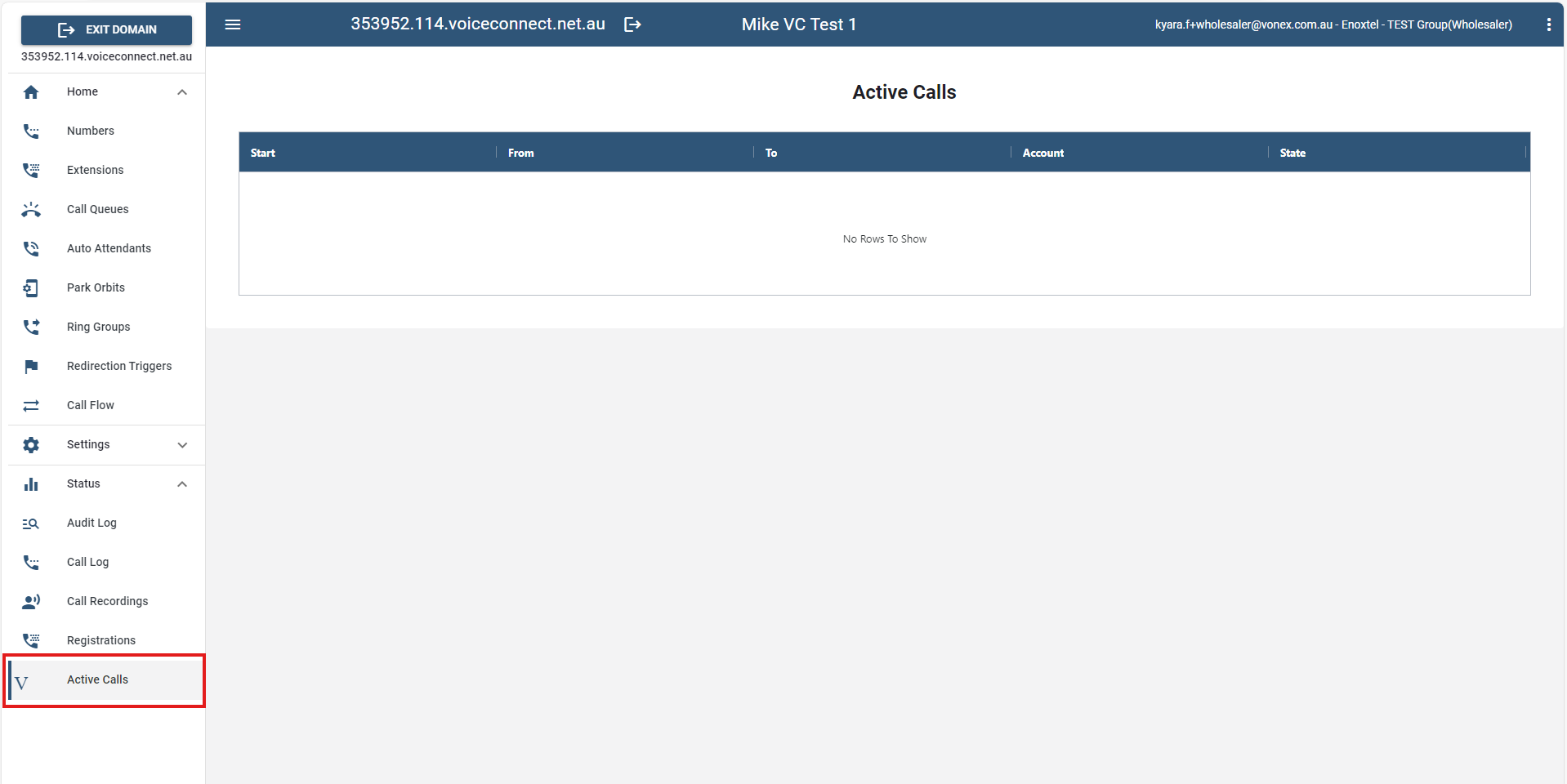
# Active Calls
Active Calls refers to the calls or communications that are currently in progress or ongoing. This section is valuable for monitoring and providing real-time support for ongoing communication sessions.