# Number Management
# How to assign a number to a specific route
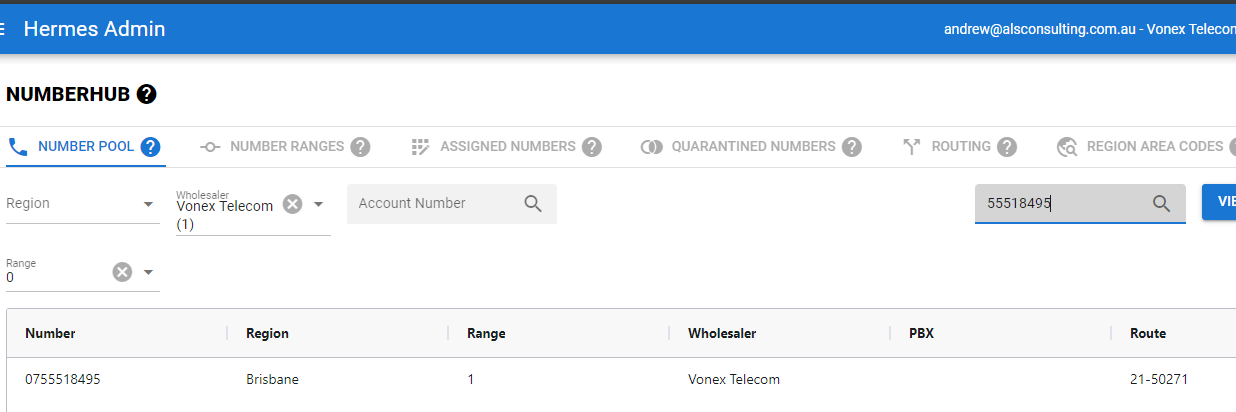
Find the number you want to modify on the available number list. This is the first tab of the Numberhub application.
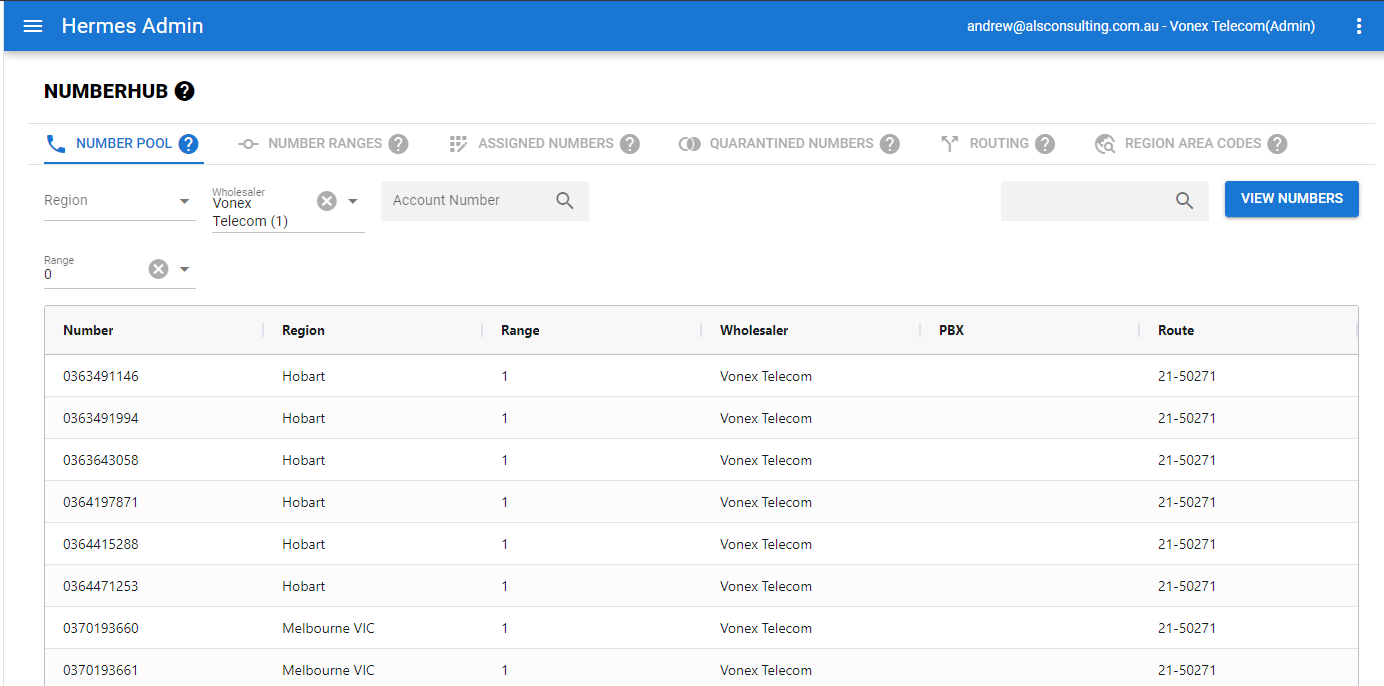
Double click the number you wish to manipulte.

The following dialog will pop up:
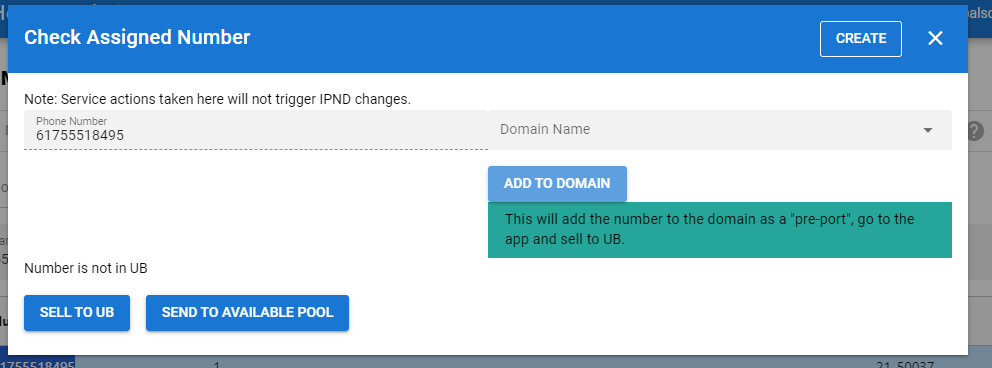
From here you can add the number to a specific domain, or return to the available pool, or check the number is in UB.
- adding a number to a domain will add it as a pre-port number, you will then need to go to the application and change the number from a pre-port to a real number by adding a rate plan and address.
# Quarantine number
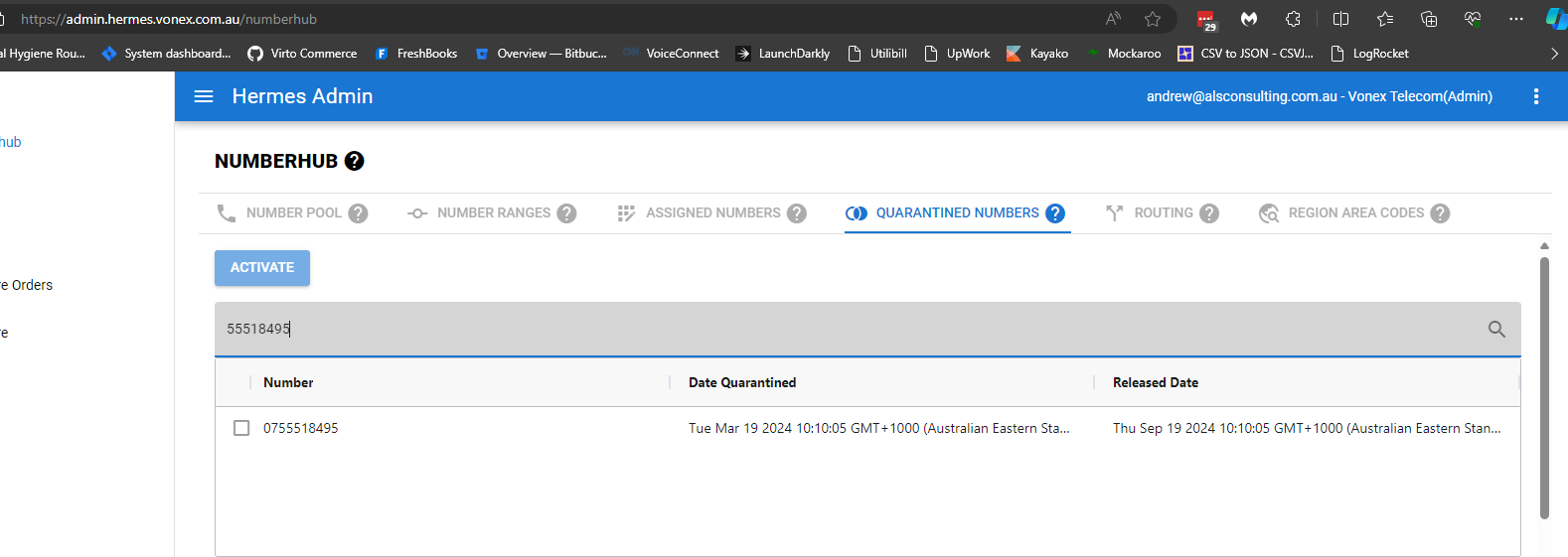
You can search the quarantine numbers list, and return the number back to the available pool.
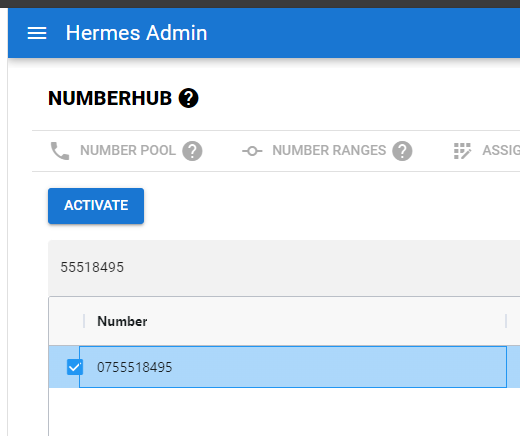
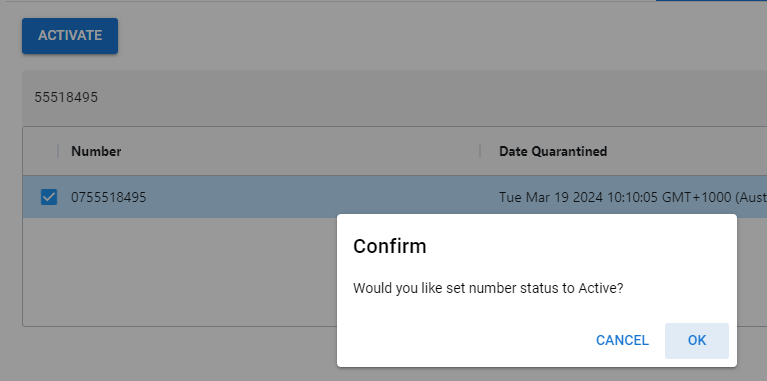
This shows the number returned to the available pool.